For the complete documentation index, see llms.txt. Append
.mdto any page URL for its markdown version.
Banxa completes the transaction with the customer: it takes the payment on a buy, pays out to the customer on a sell, and handles verification and support. For card payments Banxa is the merchant of record, so the charge may appear on the customer's statement under Banxa's name or a payment processor's name, depending on the processor and issuer. A customer who doesn't recognise the charge may assume fraud and raise a chargeback, or ignore Banxa's verification follow-ups. For this reason, you must tell the customer they are transacting with a third party (Banxa) before they reach the Banxa checkout.
This is a condition of going live: your go-live recording must show the disclaimer in your flow.
- You build and display the disclaimer in your own UI; Banxa does not inject it.
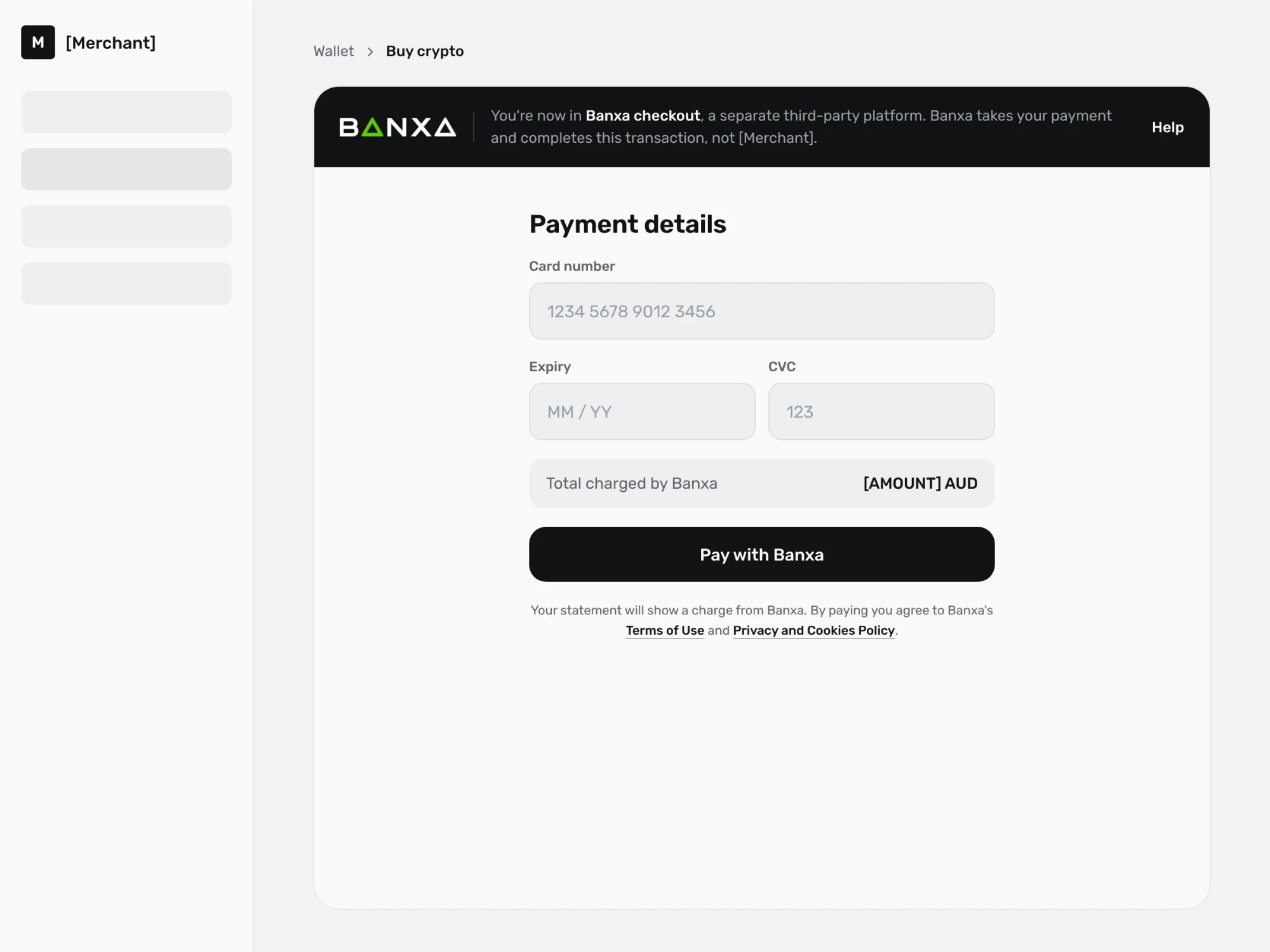
- It must appear before the customer lands on the Banxa checkout, for example on your confirm or continue step. For an embedded (iFrame) checkout, show it before the checkout loads or in a header around it; see the embedded checkout header example.
- The customer must be made aware of Banxa on every order, not only the first.
- There is no mandated template; the disclosure must clearly name Banxa as the third-party provider.
Either of the following satisfies the requirement:
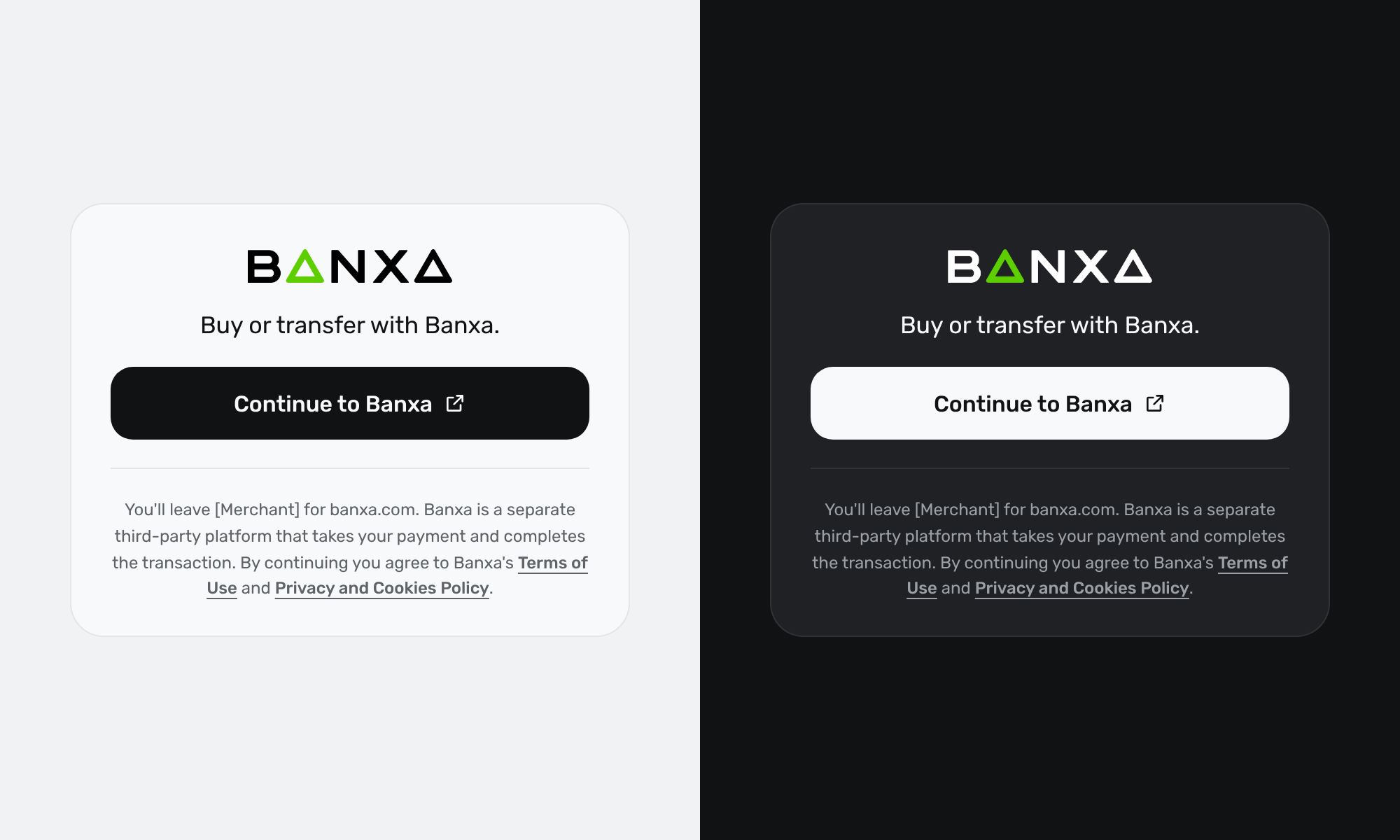
- A "Continue with Banxa" (or similar) button or label at the hand-off point. Because it appears on every order, this pattern also covers returning customers.
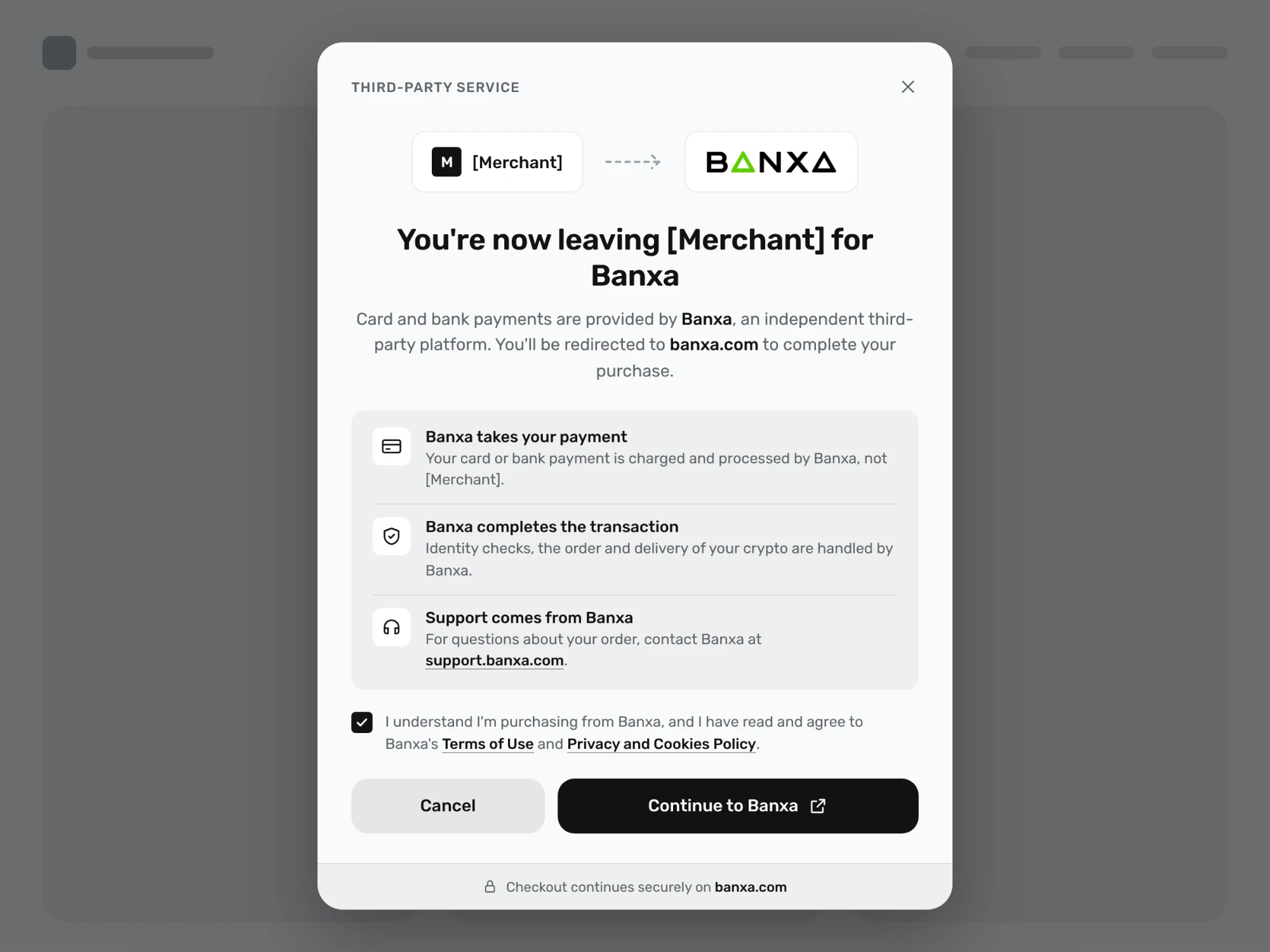
- A short disclaimer panel with an acknowledgement checkbox.
For a disclaimer panel:
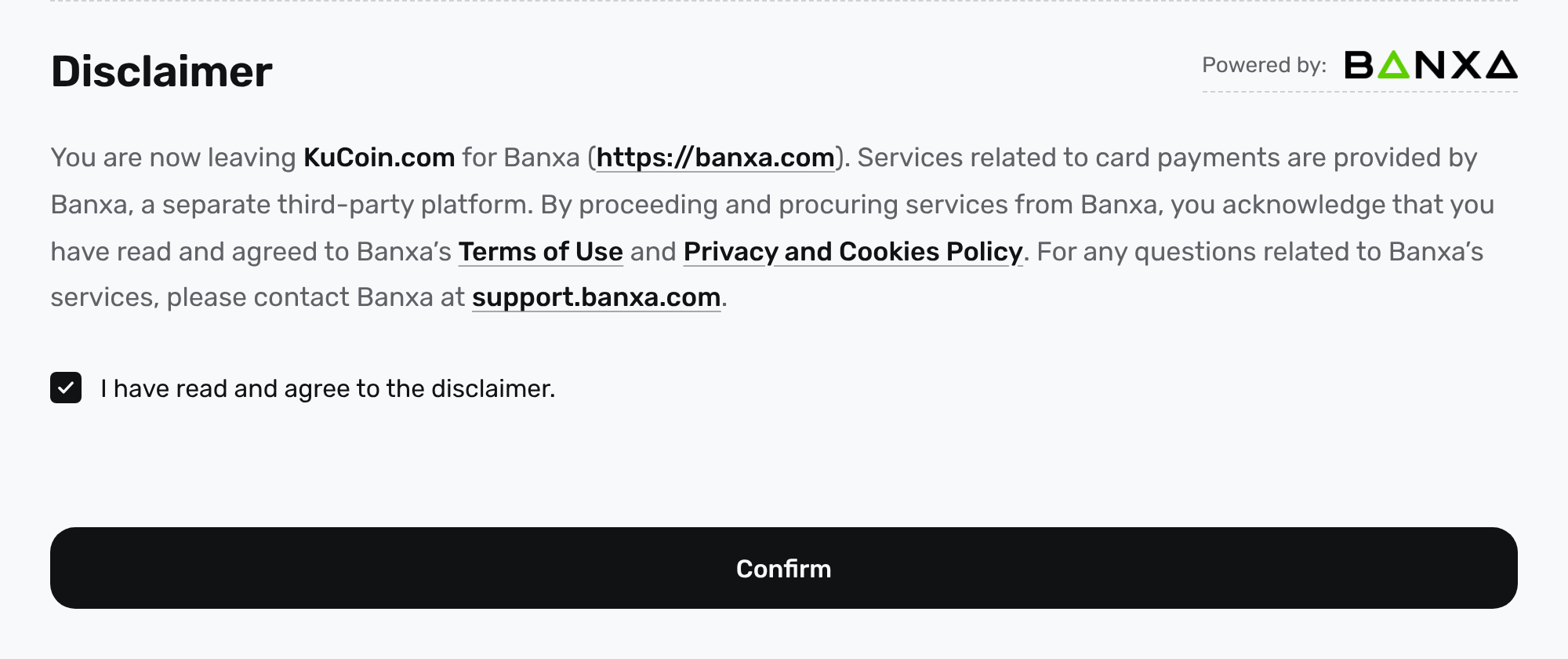
You are now leaving {Your Brand} for Banxa. Services related to payments are provided by Banxa, a separate third-party platform. By proceeding, you acknowledge that you have read and agree to Banxa's Terms of Use and Privacy and Cookies Policy. For any questions related to Banxa's services, please contact [email protected].
For a button or label at the hand-off point:
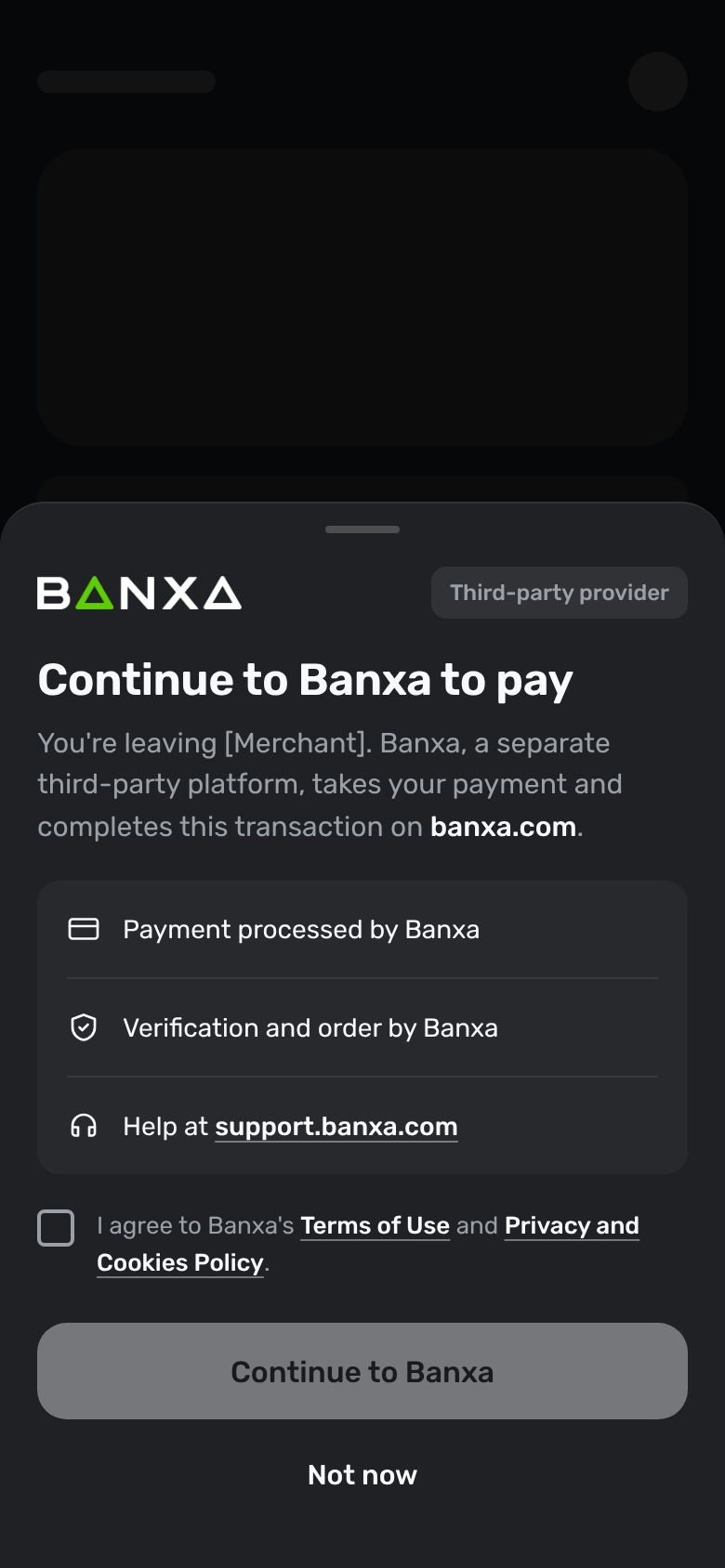
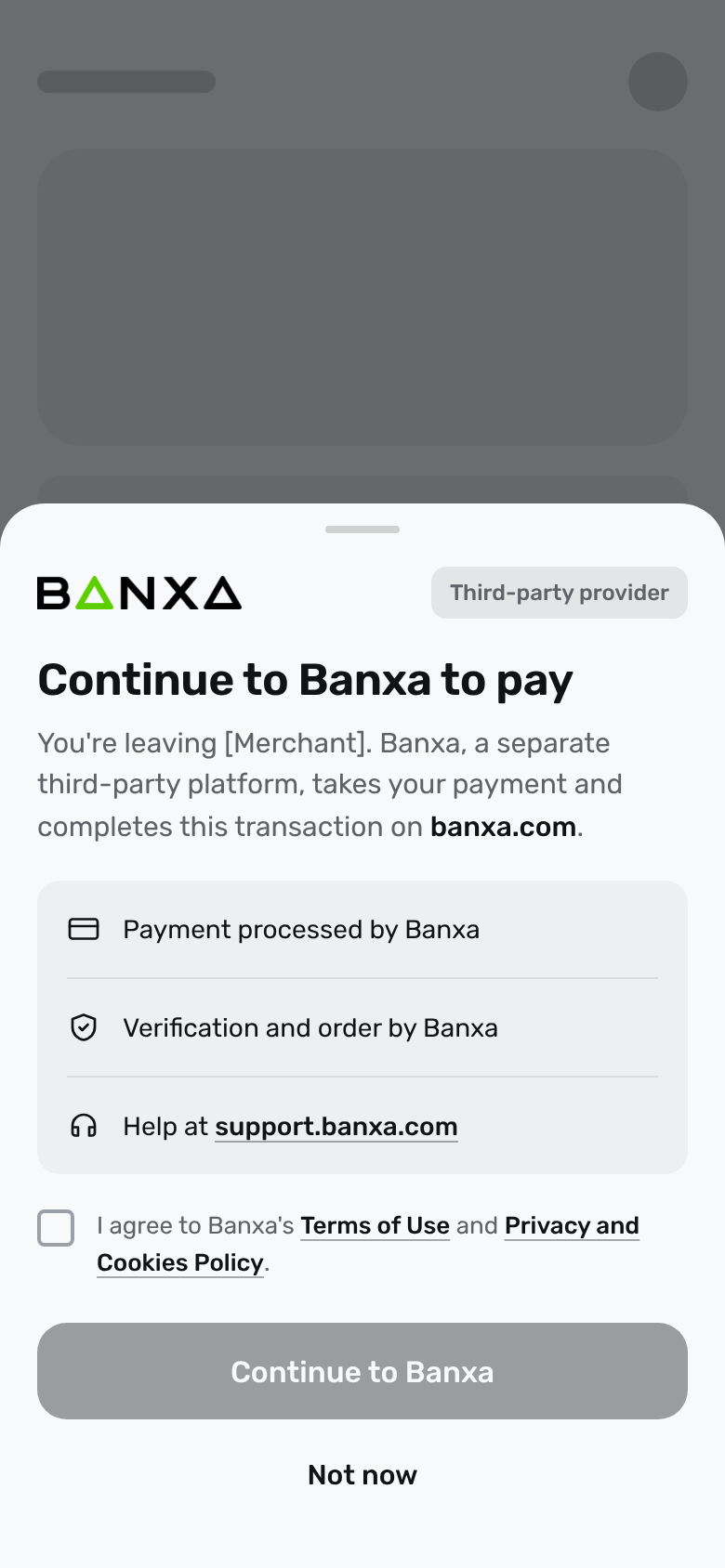
Continue to Banxa, a separate third-party platform
Each of the patterns below names Banxa as the third party and tells the customer where the transaction is completed. Use whichever fits your flow, in your own design.
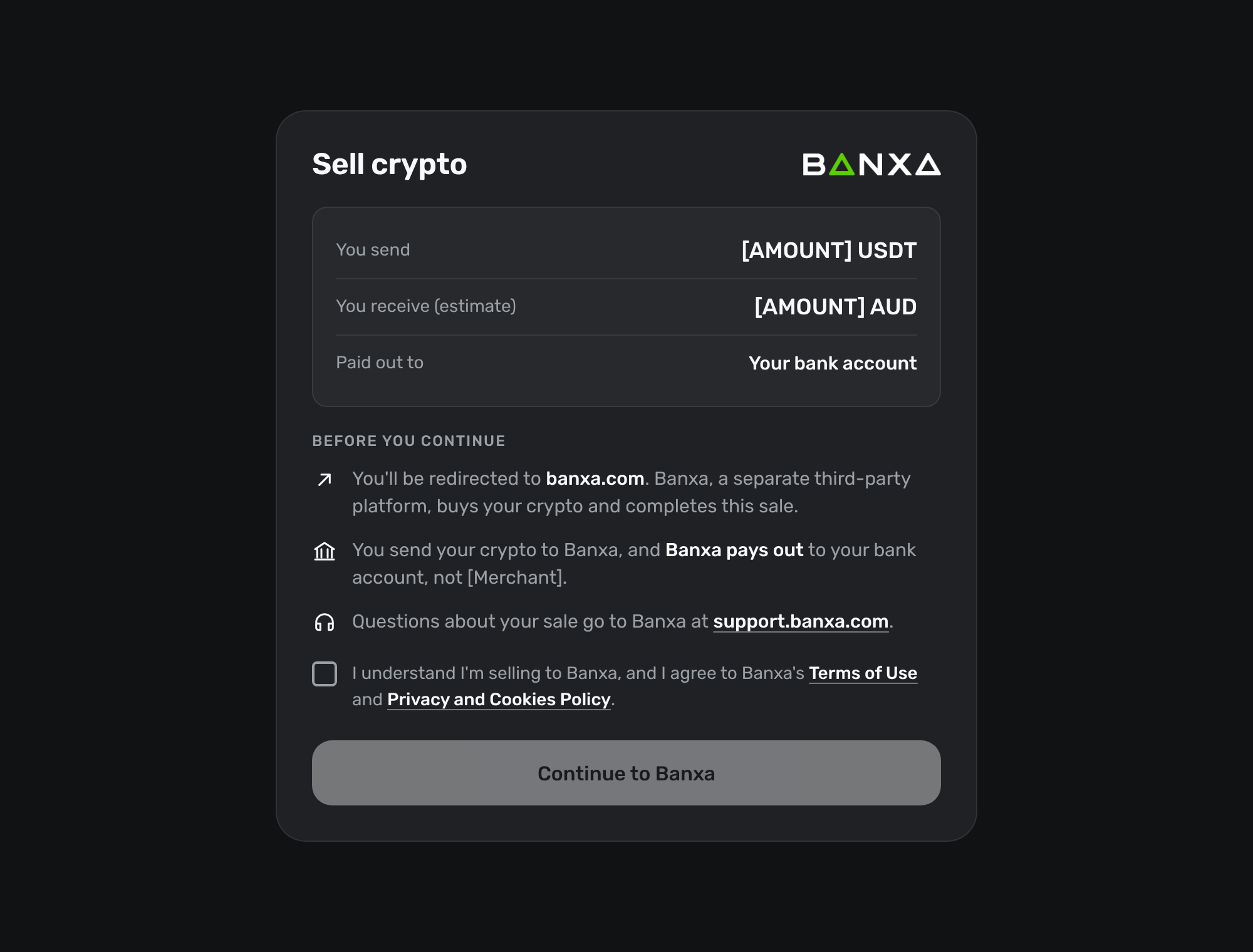
A confirmation dialog at the point the customer leaves your product, with an acknowledgement checkbox.
The same hand-off as a bottom sheet in a mobile app, shown in dark and light themes.
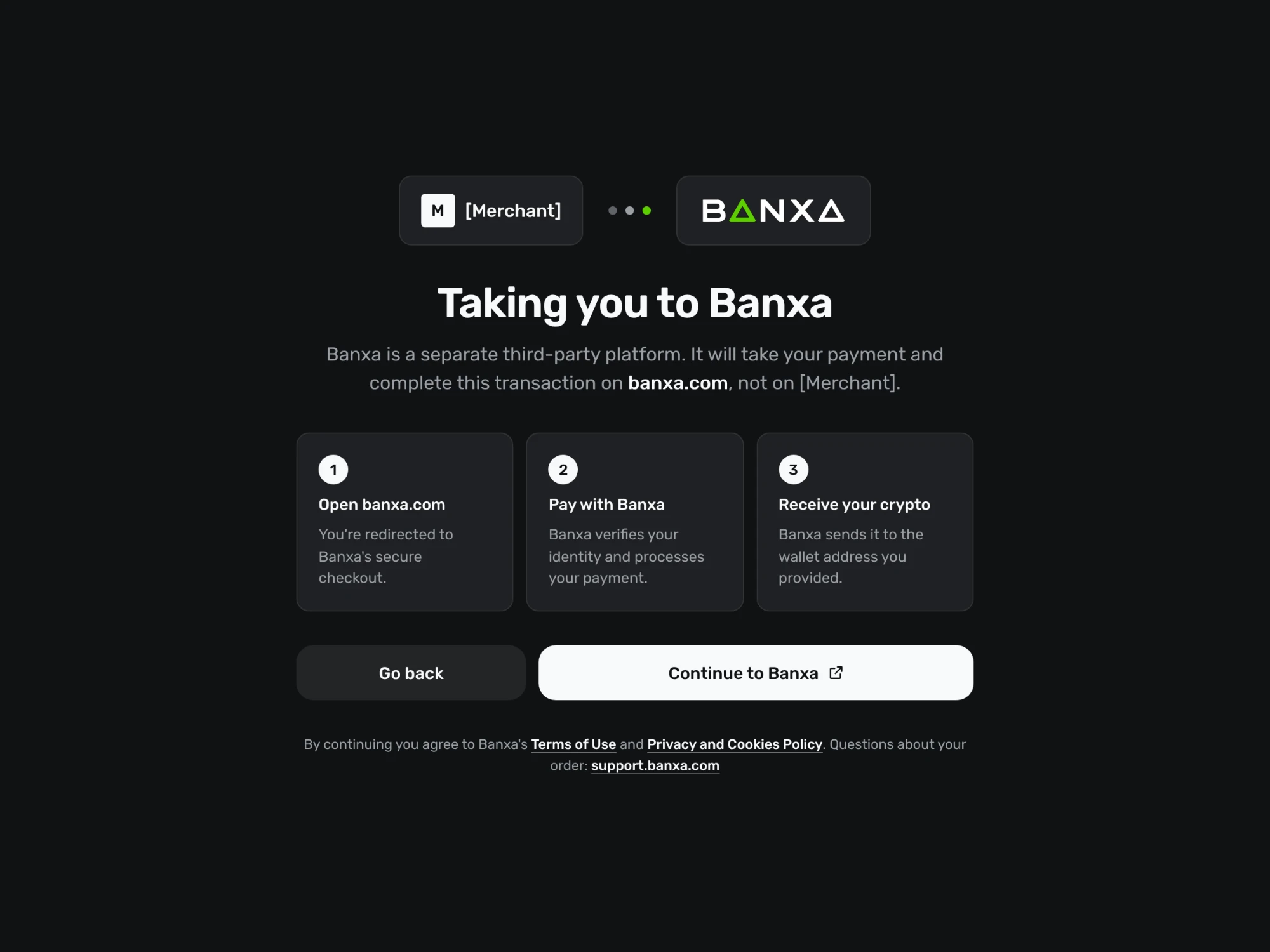
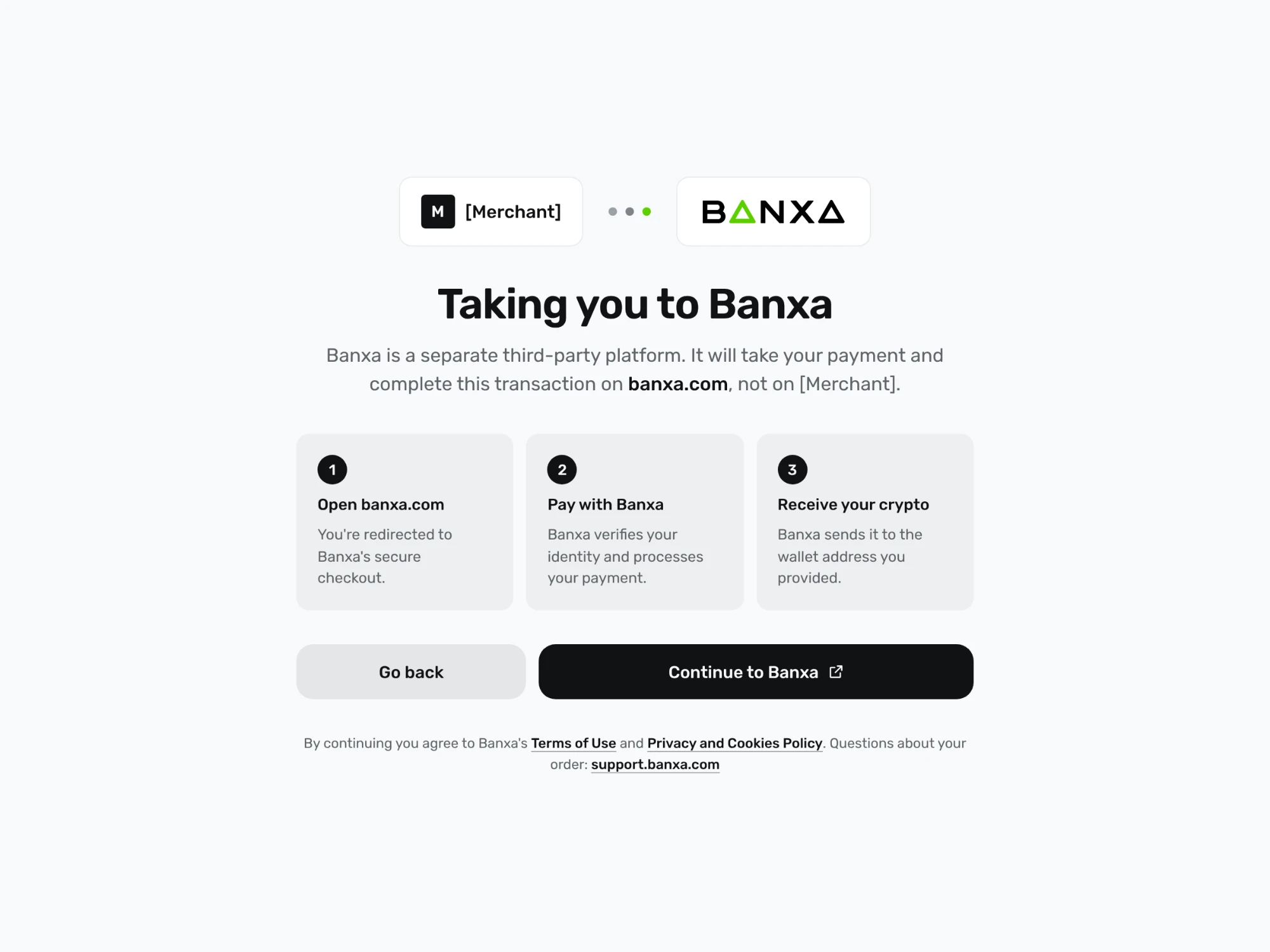
A full page between your flow and the Banxa checkout that explains the next steps.
A disclaimer block the customer must agree to before confirming.
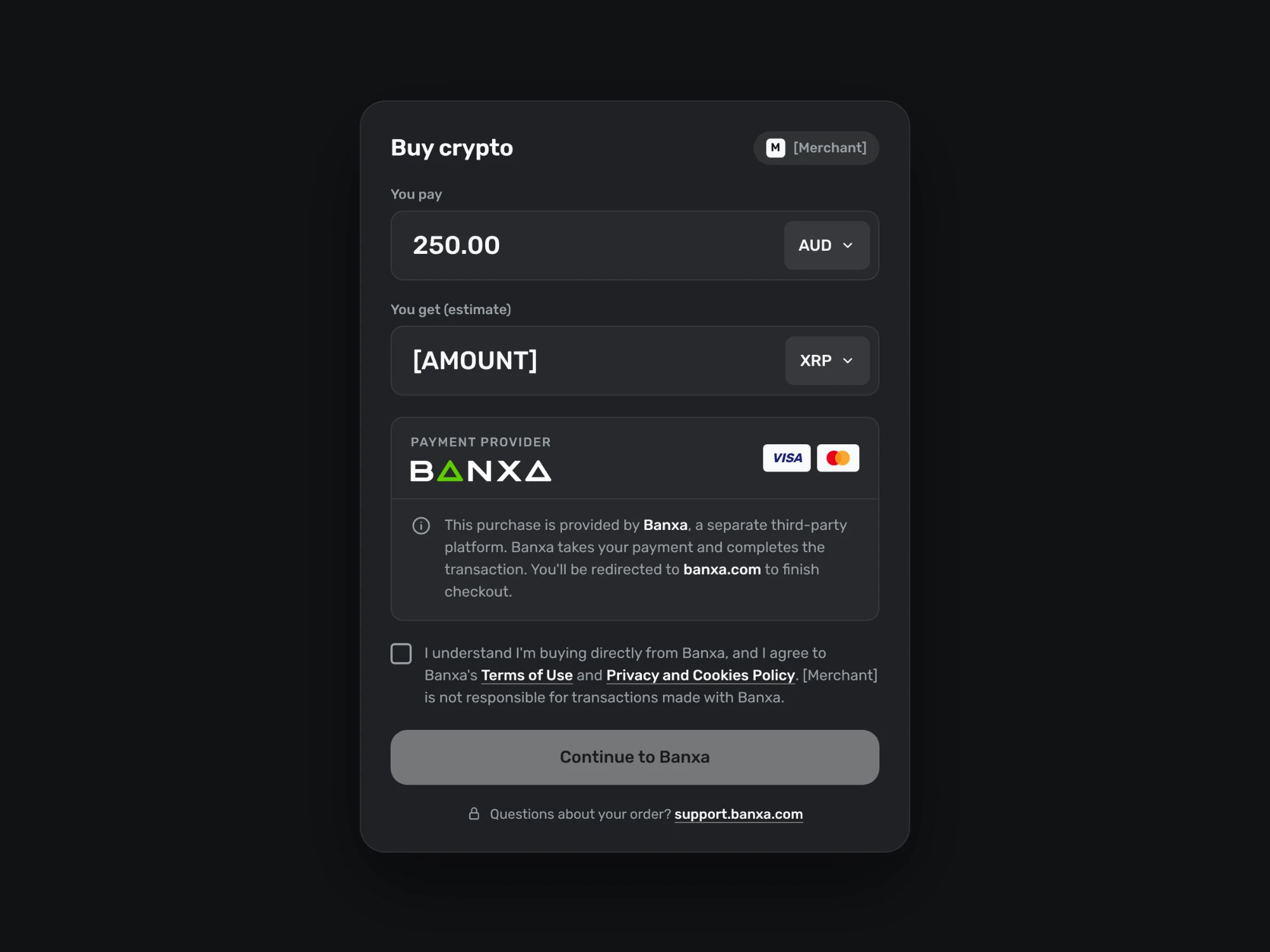
The disclosure sits on the form itself, next to the button that starts the hand-off.
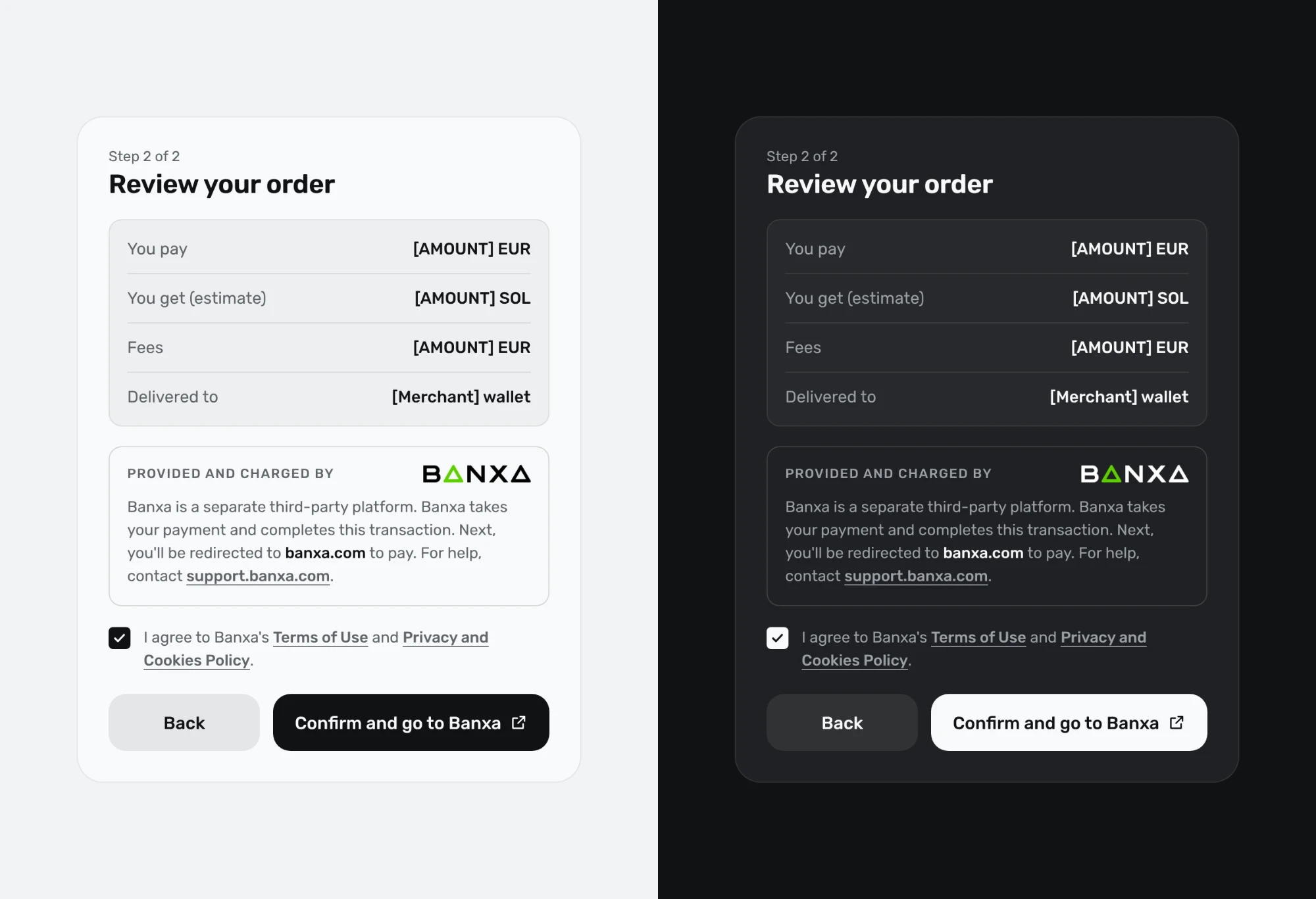
A final review screen that names Banxa as the provider before the redirect.
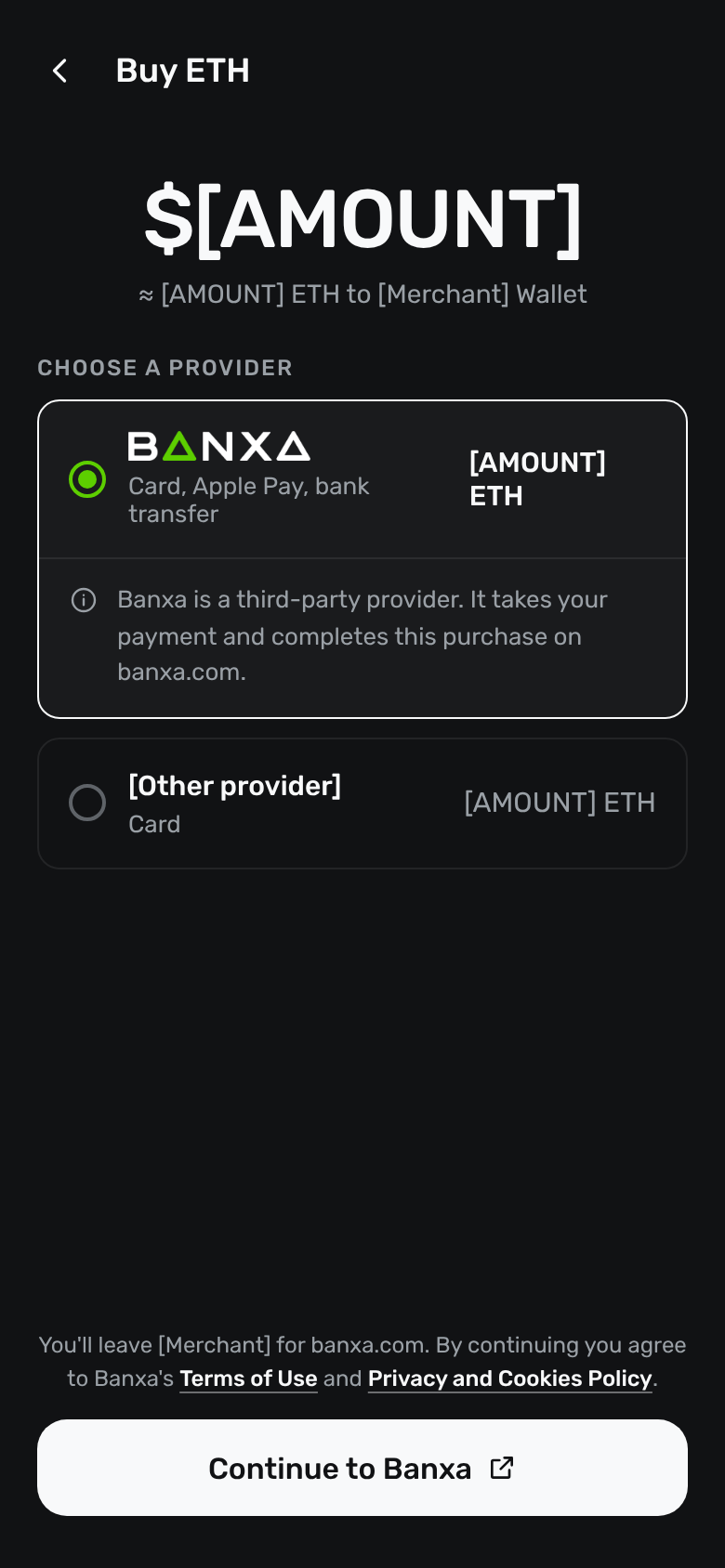
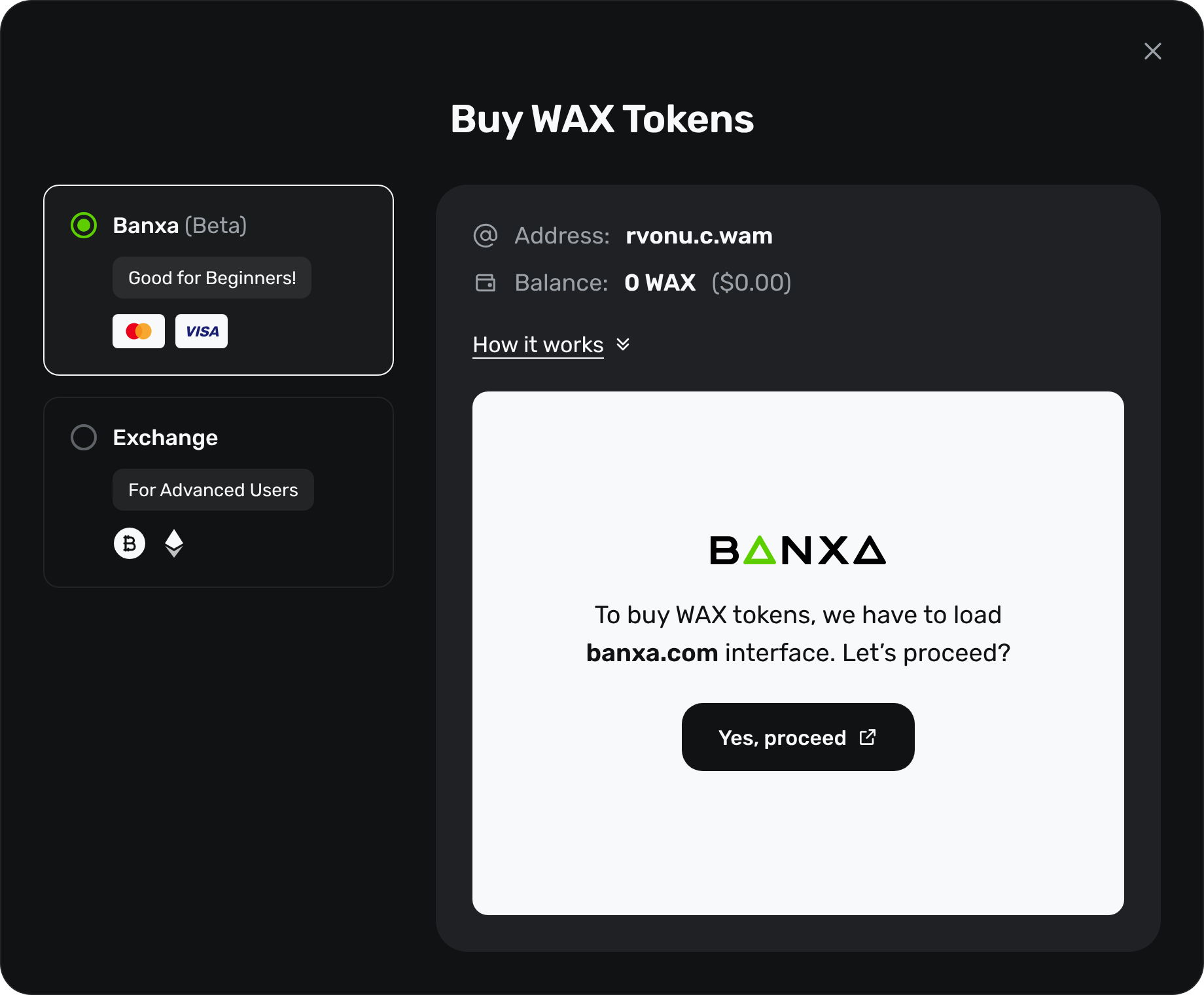
When customers choose between providers, describe Banxa as a third party on the Banxa option.
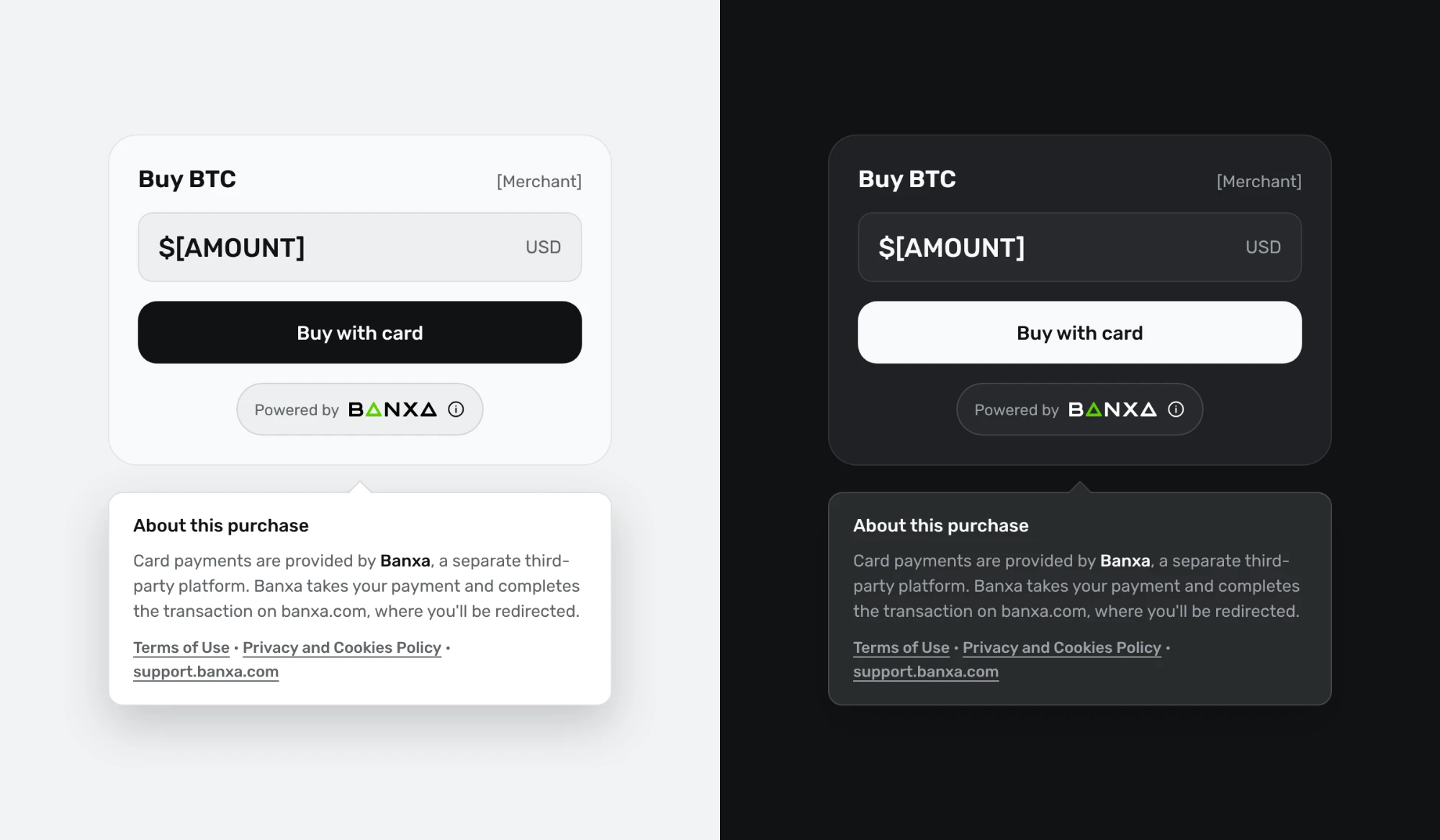
A "Powered by Banxa" label that opens an explanation of the purchase.
For an embedded (iFrame) checkout, a header that tells the customer they are now in Banxa's checkout.